HOW IT WORKS
SHIPPING COMPANIES
You can store a complete record of the fleet’s ship repairs.
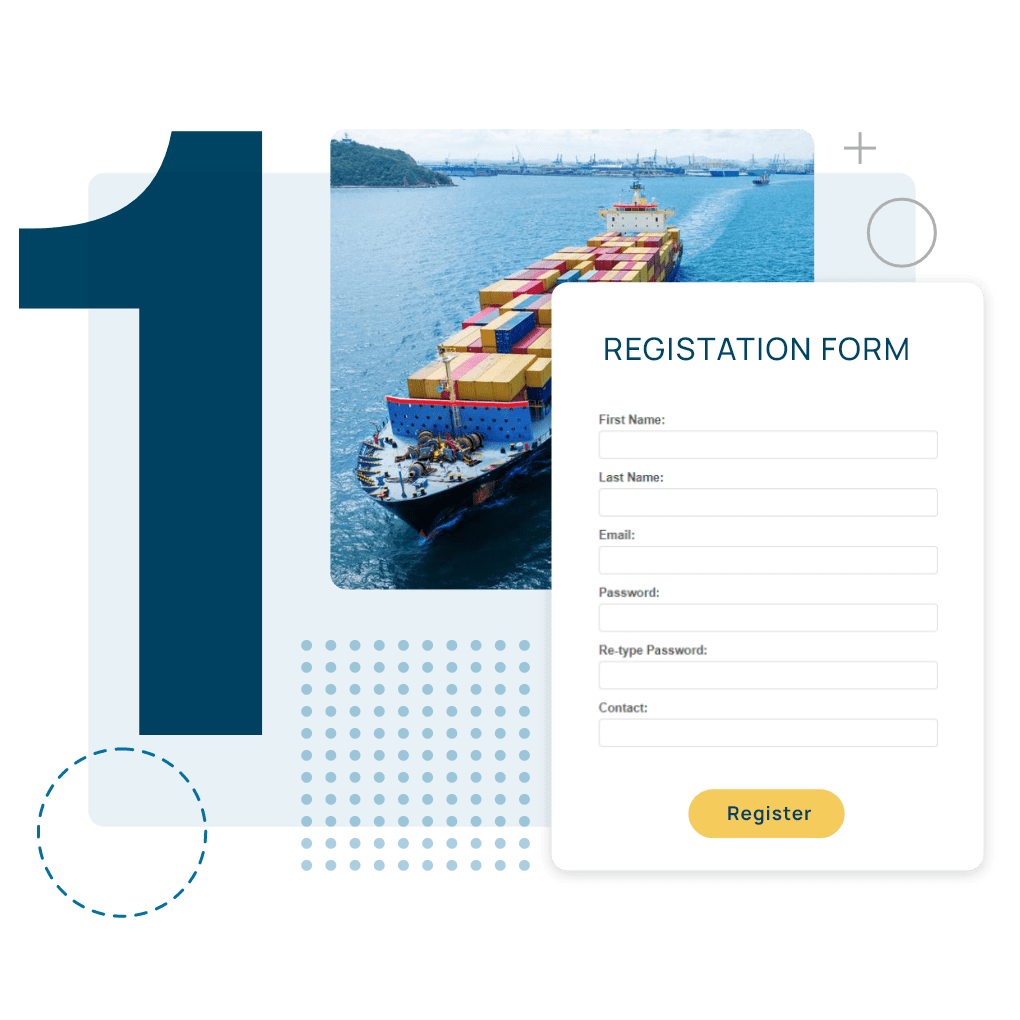
Registration & Setup
Managing Your Fleet


Offer Request Process
Supplier & Shipyard Selection


Deal Closure
FAQs
For Shipping Companies
How do I add ships to my company profile?
After registration, you can easily add ships through your dashboard:
1. Navigate to “Fleet Management”
2. Click “Add New Vessel”
3. Enter ship specifications and documentation
4. Upload relevant certificates
5. Add maintenance history if available
Each ship profile can be updated anytime with new information.
How does request for offers work?
Create requests through your dashboard by:
1. Selecting request type (supplies/repairs)
2. Specifying requirements and technical details
3. Setting deadline for offers
4. Choosing geographical preferences
5. Attaching relevant documentation
What happens after accepting an offer?
The platform facilitates:
1. Digital contract generation
2. Secure payment processing
3. Document exchange
4. Delivery/service scheduling
5. Performance tracking
How do we manage ship documentation?
The platform provides:
– Digital document storage
– Automatic expiry notifications
– Access management
– Document sharing with suppliers
Can multiple branches access the same account?
Yes, our platform supports multi-branch management:
– Create unlimited user accounts for different branches
– Track activities by branch
– Centralize procurement processes
– Share ship information across locations
How do we manage multiple requests across branches?
The platform provides:
– Centralized request management
– Request status tracking
– Approval workflows
– Global oversight for head office
Can we rate and review suppliers?
Yes, after completion of each transaction you can:
– Rate supplier performance
– Leave detailed feedback
– Upload supporting documentation
– Flag any issues
– Recommend to other users